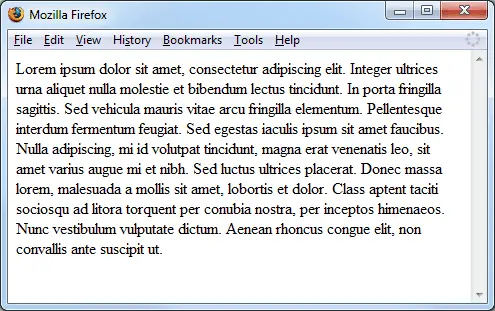
Firefox, Chrome, Safari and Opera by default only show vertical scrollbars if the content on the page is longer than the window whereas Internet Explorer always shows vertical scrollbars. When moving from page to page where one is short and the next long it can make the layout jump around a bit so this post shows how to fix this for the other browsers.
The Solution
To save you having to scroll down and search for the answer I’ll present it here first and then show some examples of what I’m talking about. This works in Firefox versions 1.5+ and for the current versions of the other browsers (I haven’t tested the others in older versions).
html {
    overflow-y: scroll;
}
Examples
This first screenshot shows a short page which doesn’t require vertical scrollbars because the content doesn’t go beyond the end of the window.
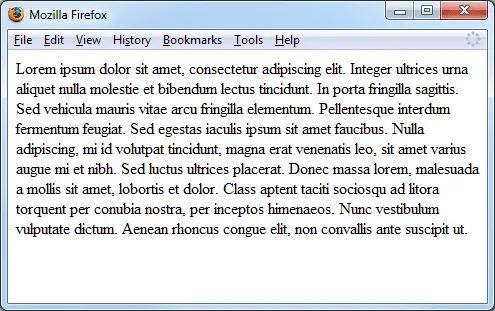
Now the content does go beyond the end of the the page so there is a vertical scrollbar. The flow of the text of the first paragraph is not the same as in the previous example because previously there wasn’t one and now there is.
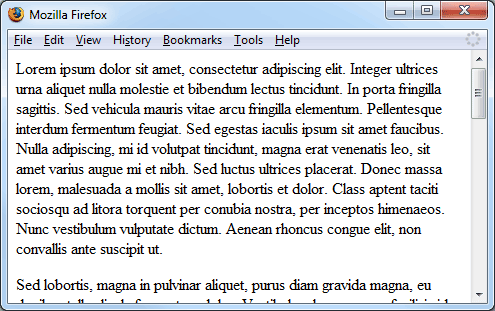
The final example has "html { overflow-y: scroll; }" set so the vertical scrollbar is always present. You can see this in the screenshot below where there is a scrollbar present but it’s un-selectable.